How to Play BloxStrike: Accessing and Optimizing Your Experience
Learn how to access BloxStrike on Roblox and discover expert settings to improve your FPS and competitive aim for a smoother gameplay experience.
Published: BloxStrike Wiki Editorial Team
Table of Contents
Getting Started with BloxStrike
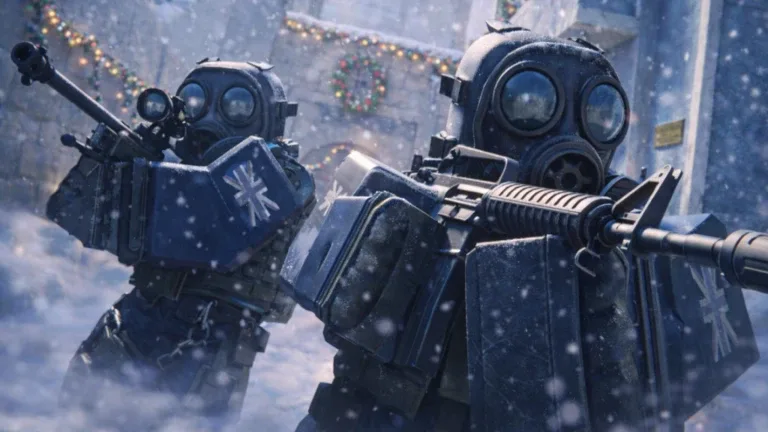
BloxStrike is a competitive shooter experience hosted on the Roblox platform. If you are looking to join the action from Vietnam or anywhere else in the world, the access method is straightforward: it requires a registered Roblox account. Simply navigate to the official BloxStrike page to launch the game. Since it is a browser and client-based experience, there are no specific regional versions to download; the game engine manages player connections via Roblox's global infrastructure.
If you experience latency or connectivity issues, it is often due to the physical distance between your network and the game servers. While there is no "Vietnam-specific" version, players often improve their experience by ensuring their internet connection is stable and, if necessary, using a gaming-oriented network route to reduce ping to the nearest Roblox data center.
Optimizing Game Performance for Competitive Play
In competitive shooters, frame rate (FPS) is critical. Many players on older hardware or budget laptops struggle with stuttering during intense gunfights. Community reports emphasize that adjusting your in-game settings is the most effective way to gain an advantage.
Graphics Quality: Set to level 2. While level 1 may seem faster, level 2 ensures long-distance map geometry loads correctly, preventing invisible enemies.
Global Shadows: Turn these off to reduce GPU load and increase frame rates.
Ragdolls: Disable this feature. It prevents unnecessary physics calculations when an enemy is eliminated, significantly boosting performance.
Muzzle Flash: Turn this off to remove visual clutter during firing, helping you maintain a clear line of sight on your target.
Glass Shatter: Set to off for a cleaner visual experience when shooting through environmental objects.
Mastering Your Aim and Sensitivity
Beyond performance, your control settings dictate your ability to compete. High-level players often prefer lower sensitivity settings to maintain precision during long-range engagements.
Tip
According to experienced players, a sensitivity of 0.072 combined with a 400 DPI mouse setting provides a stable balance for tracking targets. Experiment with these values to find what suits your personal muscle memory.
Recommended Crosshair Configuration
A precise crosshair is essential for landing "one-tap" shots. The community recommends a minimalist style to avoid distractions:
Style: Classic Static
Image: 0
Thickness: 1
Length: 2
Gap: -3
Color: Maximum Green and Blue (255/255) to ensure visibility against most map textures.
Uncheck: "Follow Recoil" and "Center Dot" to keep your aim screen clean.
Troubleshooting Common Issues
Even with the best settings, you may encounter technical hurdles. If you find the game is lagging or you are frequently being kicked, consider the following:
Why am I being kicked from matches?
If you are playing well, some players may mistakenly report you for cheating. Ensure you are not using any third-party software that alters game files, as this will trigger anti-cheat protections.
Does my ping matter?
High ping significantly impacts your ability to hit targets, especially in fast-paced scenarios. Try playing during off-peak hours or using a wired Ethernet connection to stabilize your latency.
Why are enemies shooting me through walls?
This is often a result of latency or "peekers advantage" where the server has not yet updated your position to the shooter. Focus on proactive movement rather than static holding.
By consistently applying these configuration tweaks and focusing on movement fundamentals, you can significantly elevate your performance in BloxStrike regardless of your hardware. Always prioritize stability and visual clarity to ensure you are seeing the game exactly as the top-tier players do.